Fields
Map Field
Captures a geographic position from a visual map. Useful for addresses, delivery points, field work, inspections, and location-aware processes.
Basic usage
Adds a map field to the fields of an action.
Result
The field will be displayed as a map field in the form, as below:
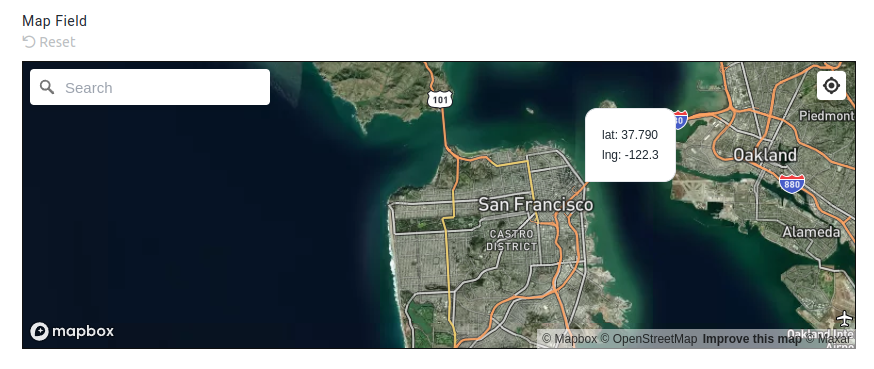
The resultant data will be available in the stubpost.data as:
This can be substituted with eg. ~~stubpost.data.store_location.latlng where required.
Parameters
See fields for common field parameters like validation and conditional rendering.
params.auto_set_location optional boolean
This parameter specifies whether the map should automatically set the location of the user.
If true, the user will be prompted by their browser to allow the system to access their location.
params.hide_geolocate_button optional boolean
If set to true, the geolocate button will be hidden from the map field.
Users can typically click the geolocate button to set their current location on the map.
params.address_mode optional 'none'|'hidden'|'readonly'|'editable'
This parameter specifies whether the address data should also be captured alongside the latitude and longitude, and how the address input should be displayed.
The address is derived by reverse geocoding the latitude and longitude coordinates.
'none': Address data is not captured, no reverse geocoding is performed. This is the default behavior.
Below options all capture the address data into stubpost.data.{fieldname}.address:
'hidden': The address is not shown, but the address data is still captured.'readonly': The address is shown as a label below the map field.'editable': The street address is shown in an editable input field below the map.