Fields
File Field
Uploads one or more files through an action form. Useful for attachments, evidence, documents, images, and downstream file-processing tasks.
Basic usage
Adds a file field to the fields of an action.
Result
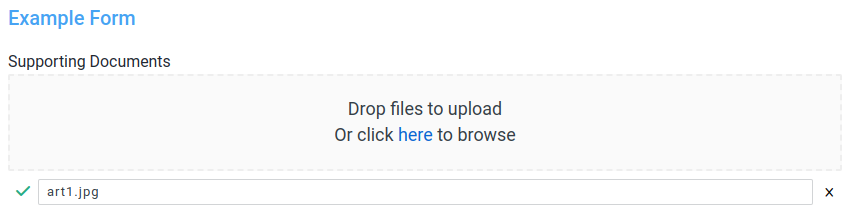
The field will be displayed as a file selector field in the form, as below:
The resultant data will be available in the stubpost.data as:
This can be substituted with eg. ~~stubpost.data.supporting_documents where required.
Since the value is an array, you can access the first file's filename with ~~stubpost.data.supporting_documents[0].filename.
Parameters
See fields for common field parameters like validation and conditional rendering.
params.max_files optional int
The maximum number of files that can be uploaded.
params.file_creation_options optional object
visibility:publicorprivate.publicfiles can be accessed by anyone with the file URL.privatefiles can only be accessed by users within your org
folder: the "pseudo-folder" to store the file in. Useful for grouping files together.