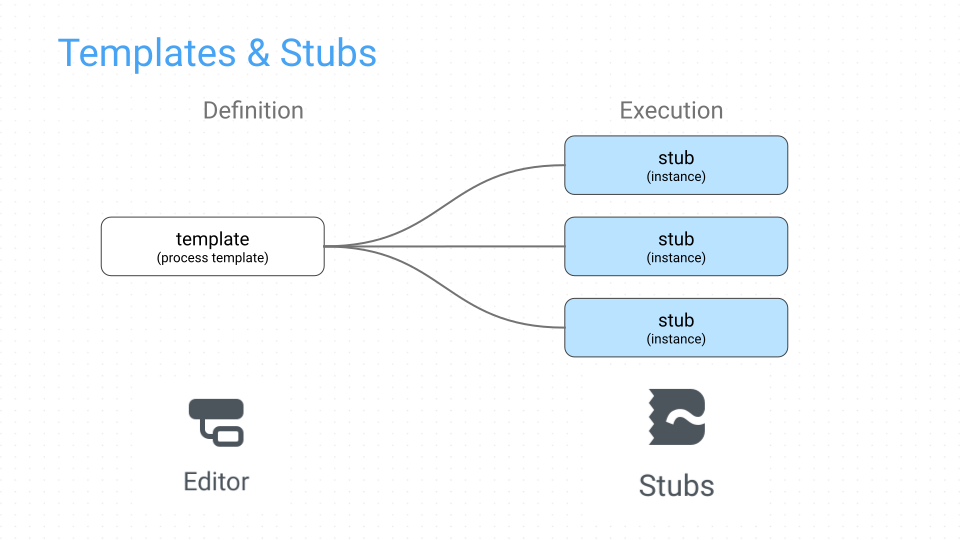
Stubs
Explains stubs as live working instances of templates in Stubber. Stubs hold process data, contacts, posts, files, metrics, and state so teams and automations can execute real work.
Overview
A template is where the process is defined in Stubber.
Think of it as a blueprint for the process.
Think of it as a template for the stubs that will be created from it.
A stub is where the process is executed and run.
Think of it as a working version of the template that can be run and executed.
Think of it as a unique instance of the template.
Central Point of Truth
A stub is the central point of truth for any instance of a flow that is executed in Stubber. The stub will contain:
- all the data collected over the course of the stub execution
- all the files that were dealt with on the stub
- all the people involved in the stub
- metrics of key numbers
- a log of each action with all the data, tasks and notifications that were run
- additional information relating to LLM context and other integrations
Conceptual
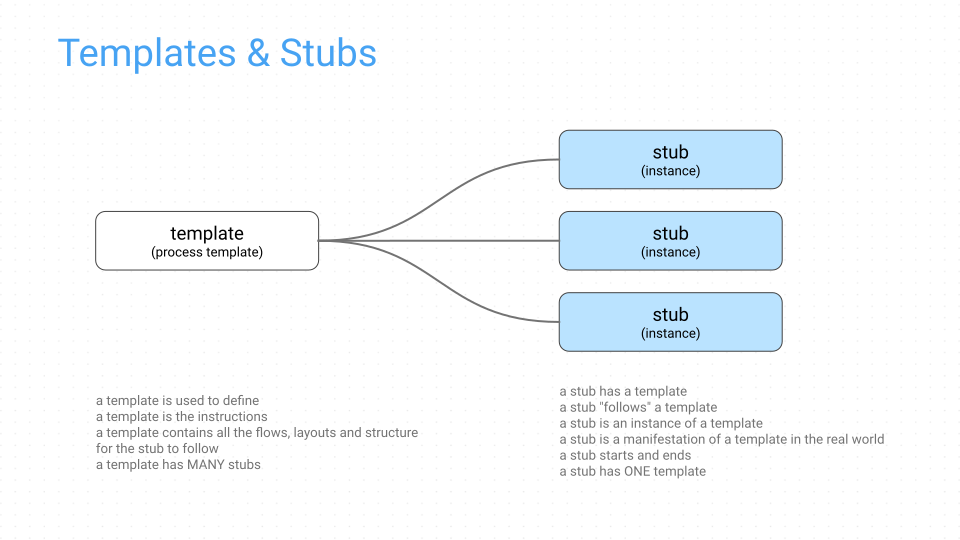
Here we have a diagram showing how there is a one-to-many relationship between templates and stubs.
Practical
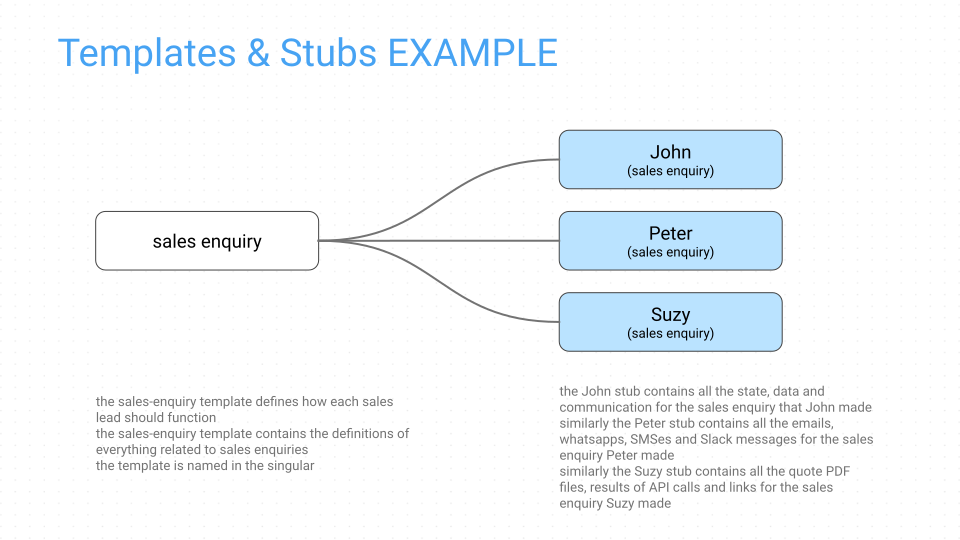
Here we have an example of a template used to define a "sales enquiry" and the stubs that are created from it.
We have a stub for each person that the sales enquiry is with.
Platform
On the Stubber Platform there are 2 applications that are used to work with templates and stubs.
The Editor application is used to create and modify templates.
The Inbox application is used to create and work with stubs.