Fields
Checkbox Field
Captures a boolean true or false value in an action form. Useful for confirmations, yes-no choices, toggles, and simple approval inputs.
Basic Usage
Adds a checkbox field to the fields of an action.
Result
The field will be displayed as a checkbox in the form, as shown below:
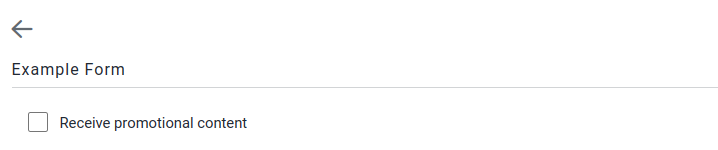
The resulting data will be available in stubpost.data as follows:
This can be substituted with, for example, ~~stubpost.data.receive_promotional_content where required.
Parameters
See fields for common field parameters such as validation and conditional rendering.
params required
Show child attributes
checkedvalue required
The output of a checked checkbox. For example can be set to 'yes' or 'agree' instead of true.
Default: true
uncheckedvalue required
The output of an unchecked checkbox. For example can be set to 'no' or 'disagree' instead of false.
Default: false